
Stake Mobile App India — Download, Install & Play on Android and iOS
The Stake app delivers the full desktop platform on mobile—thousands of casino games, live sports betting, instant crypto deposits/withdrawals, and all bonuses. Access everything whether commuting, waiting, or at home.
Why Install the App
The dedicated app offers push notifications for exclusive bonuses, biometric login, and faster load times than browser play. The complete desktop experience transfers to mobile with added conveniences. See the full Stake Casino review for details.
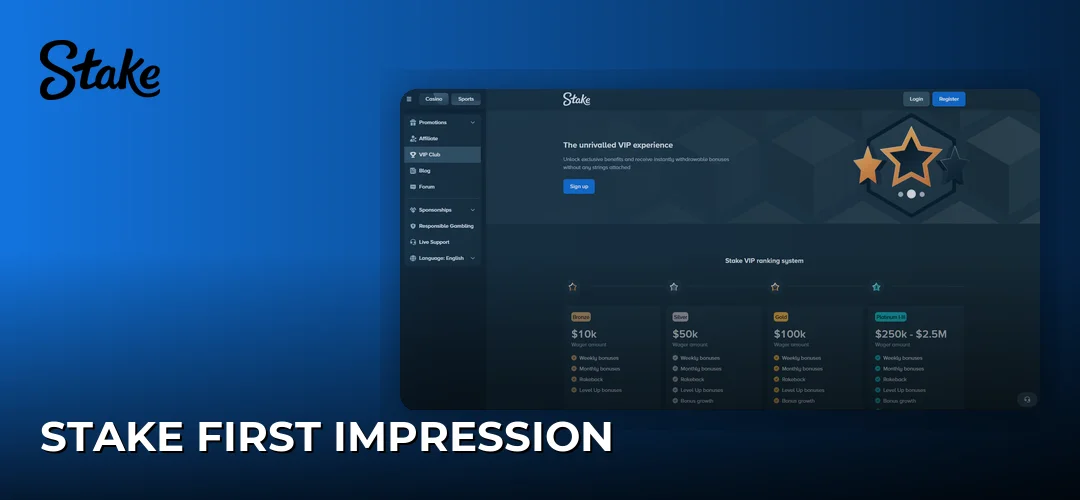
All desktop features work in the app: full casino catalogue (slots, table games, live dealers), real-time sports betting with cash-out, and integrated wallet handling crypto and traditional payments. Customer support remains accessible via live chat.
App vs Mobile Browser
The app provides push notifications (deposit bonuses, free spins, live sports alerts) unavailable in Safari or Chrome mobile. Biometric authentication (fingerprint/Face ID) eliminates password entry. Review the data handling.
The mobile browser suits players avoiding APK installations or with limited storage. Older Android devices (below 7.0) may find the browser more stable. However, the browser lacks offline account access, recent transaction history, and native gesture controls.
Desktop-exclusive features are rare—occasional promotional tournaments launch desktop-first before mobile optimisation (typically within 24-48 hours).
Performance and Speed
Crypto deposits (BTC, ETH, USDT on TRC-20, LTC, DOGE) process within network-standard timeframes—typically 10-30 minutes for Bitcoin, near-instant for Litecoin or TRON. Live casino streams maintain smooth playback on stable 4G; 5G improves quality further.
Battery consumption: ~8-12% per hour for slots, 15-18% hourly for live casino streaming. Data usage averages 40-60 MB/hour for slots, 150-200 MB/hour for live dealers with video.
The app handles brief signal drops without crashing, resuming seamlessly once connection restores.
What Players Access
The complete Stake ecosystem: 3,000+ slots from Pragmatic Play, Evolution Gaming, Hacksaw Gaming; table games (blackjack, roulette, baccarat, poker) in RNG and live formats.
Sports coverage includes cricket, football, basketball, tennis with competitive odds. The bonuses section functions identically—welcome offers, reload bonuses, VIP rewards all accessible from mobile.
Download Stake App
Download exclusively from the official Stake website—crucial for security. The app isn’t on Google Play Store due to real-money gambling policies. Apple App Store availability varies by region; Indian players typically use alternative installation.
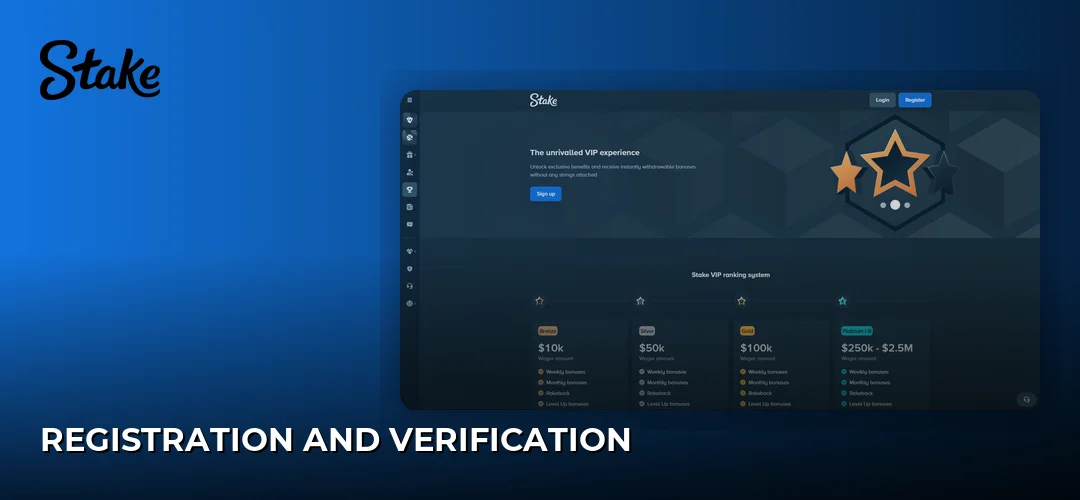
Navigate to stake.com via mobile browser, locate the app download section, follow device-specific instructions. Avoid third-party APK sites—these often contain malware targeting credentials or cryptocurrency.
System Requirements
Android: version 7.0 (Nougat)+ with 2GB RAM minimum, 150MB free storage. Mid-range devices (Redmi Note 10, Realme 8) run smoothly; flagships deliver optimal performance.
iOS: iPhone 6s+ running iOS 12.0+. iPad Air 2 and newer compatible. Storage: ~150MB (cached game data may increase this).
Stable internet required (WiFi, 4G, 5G). Recommended speeds: 5 Mbps for standard play, 10 Mbps for live casino streaming.
Install APK on Android
Android installation requires enabling installations from unknown sources—standard for gambling apps, safe when downloading from official Stake website.
- Open browser, navigate to official Stake website
- Locate “Download App” or “Mobile” section
- Tap Android download button (APK ~45MB)
- When prompted: Settings → Security → enable “Install unknown apps” for your browser
- Open downloaded APK from notifications or Downloads folder
- Tap “Install,” wait 30-60 seconds
- Open app, log in or register
Add app icon to home screen: long-press app in app drawer, select “Add to Home Screen.”
Install Stake on iOS
iOS installation varies by App Store availability. Indian players typically use Progressive Web App (PWA) approach—creates home screen shortcut functioning like native app.
- Open Safari, navigate to official Stake website
- Log in or browse as guest
- Tap Share button (square with upward arrow) at bottom
- Scroll down, select “Add to Home Screen”
- Name shortcut “Stake,” tap “Add”
- Icon appears on home screen for instant access
When native iOS app becomes available in Indian App Store: search, tap Get, authenticate with Face ID/Touch ID. Check homepage for availability updates.
Registration and Login
New players complete registration directly in-app. The mobile registration captures email, password, date of birth, country. Social login (Google, Facebook) provides faster alternatives. Process takes ~90 seconds.
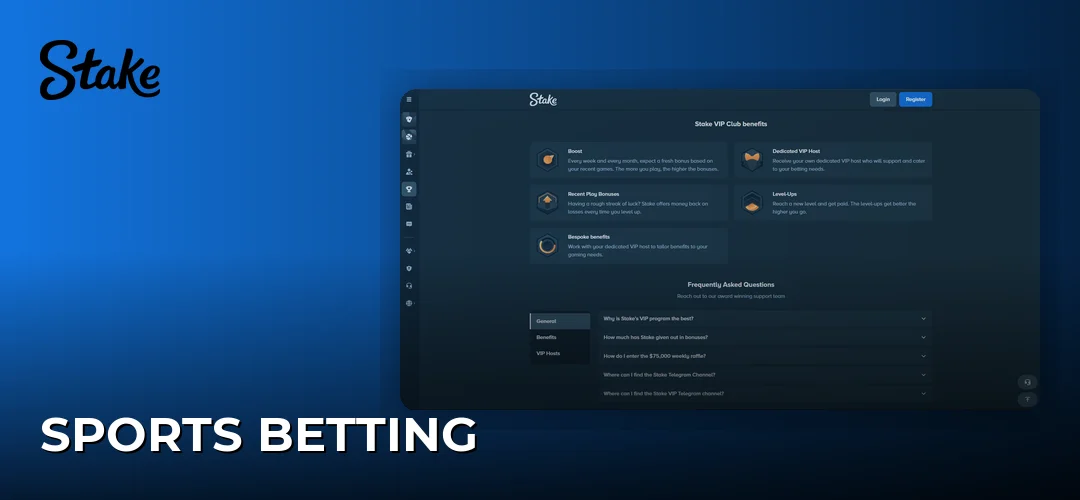
Welcome Bonus After Install
Standard Stake welcome bonus—200% up to 2500 USDT—applies to app registrations identically to desktop. No separate app-exclusive bonus exists.
Activate bonus: navigate to Cashier, select Deposit, enter promo code before confirming transaction. Bonus credits appear automatically after qualifying deposit. Review bonuses page for wagering requirements and eligible games.
Promo code field appears above payment method selection during registration and deposits.
Account Verification
KYC document submission works in-app. Upload ID documents, proof of address, selfie verification via built-in camera or device gallery.
Requirements: government-issued photo ID (Aadhaar, passport, driver’s license), recent utility bill or bank statement, clear selfie holding ID. App provides real-time guidance on photo quality.
Verification processing: typically within 24 hours. Verified accounts unlock higher withdrawal limits and certain promotions.
Biometric Login Setup
After initial email/password login, the app prompts biometric authentication. Android: activate fingerprint via Security settings. iOS: enable Face ID/Touch ID via same menu.
Biometric login eliminates password entry while maintaining device-level security. Disable anytime through Security menu.
App Features and Games
The app consolidates Casino games, sports betting, account management, customer support into touch-optimised interface. Navigation: bottom-bar access to Casino, Sports, Promotions, Account. Search and category filters help locate games quickly.
Casino Games on Mobile
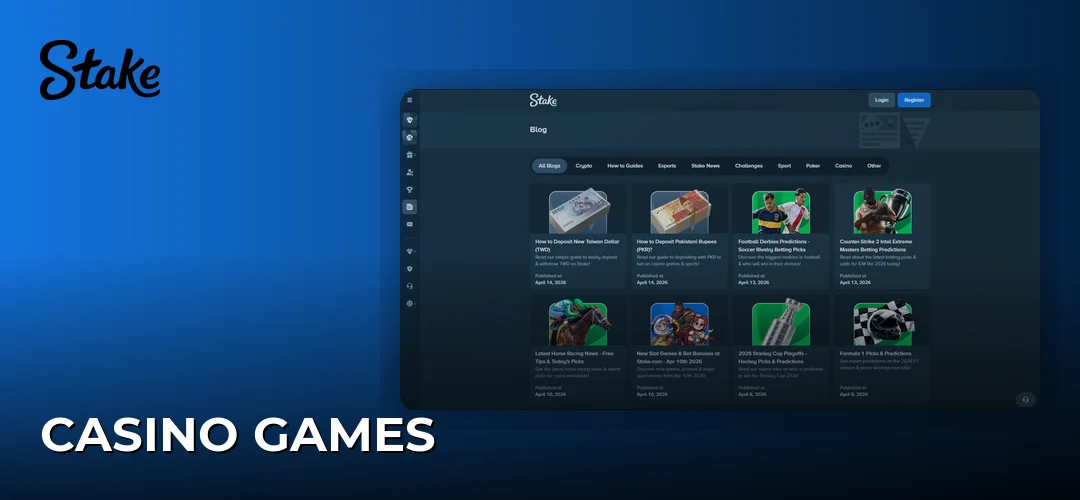
Slots (Sweet Bonanza, Gates of Olympus, Sugar Rush) render beautifully, optimised for vertical play. Live casino streams smoothly on 4G (Evolution Gaming, Pragmatic Play Live tables). Minor buffering may occur during peak hours.
Stake Originals (Dice, Crash, Plinko, Mines) are provably fair with simplified interfaces ideal for touchscreen. These consume minimal data versus video-heavy slots or live streams.
Sports Betting in the App
Live betting delivers real-time odds updates. Cricket (IPL, international fixtures) and football (Premier League, La Liga, Champions League, ISL) offer comprehensive markets including match winner, top batsman, total runs, in-play options.
Mobile bet slip slides up from bottom, displaying selections, stake, potential returns. Multi-bet combinations build with single taps; cash-out button appears on qualifying bets during live events.
Push notifications alert to kickoffs, goals, odds movements for followed teams/leagues.
Account Management Features
Complete account control: transaction history (deposits, withdrawals, betting records) with date/type filtering. Balance updates in real-time across multi-currency wallet.
Responsible gambling tools accessible: deposit limits, loss limits, wagering limits, self-exclusion. Adjust anytime through Security section. The payments section handles all deposit/withdrawal methods for Indian players.
Deposits and Withdrawals
The app supports all payment methods available on desktop. Cryptocurrency remains primary infrastructure; traditional options exist for players new to digital assets.
Crypto deposits confirm within network timeframes (10-30 minutes Bitcoin, near-instant Litecoin/TRON). Withdrawals process quickly following security verification.
Payment Methods Tested
Cryptocurrency deposits from mobile wallets (Trust Wallet, MetaMask) work seamlessly. App generates deposit addresses with QR codes for direct scanning—eliminates manual address copying. Bitcoin, Ethereum, Litecoin, Dogecoin, altcoins all process smoothly.
USDT (Tether) on TRC-20 network: near-instant crediting. Multi-network support for stablecoins allows optimal fee structures based on blockchain conditions.
Traditional methods: some redirect to external bank apps for authentication, returning automatically to Stake app after completion.
Deposit and Withdrawal Limits
Minimum deposits vary by cryptocurrency (~$10 USD equivalent). Maximum deposit limits effectively unlimited for crypto; daily processing limits may apply to certain traditional methods.
| Payment Method | Minimum Deposit | Processing Time | Fees |
|---|---|---|---|
| Bitcoin (BTC) | 0.0001 BTC | 10-30 minutes | Network fees only |
| Ethereum (ETH) | 0.001 ETH | 5-15 minutes | Network fees only |
| USDT (TRC-20) | 1 USDT | 1-5 minutes | Network fees only |
| Litecoin (LTC) | 0.01 LTC | 5-15 minutes | Network fees only |
| Dogecoin (DOGE) | 1 DOGE | 5-15 minutes | Network fees only |
Withdrawals process through same methods as deposits. KYC-verified accounts enjoy higher limits.
Mobile-Specific Considerations
When depositing from mobile crypto wallets, ensure sufficient network fees—mobile apps sometimes suggest lower fees causing delays. App displays pending deposits with network confirmation progress.
For withdrawals, double-check destination addresses on smaller screens. App supports address book functionality—save verified withdrawal addresses for future use.
Tips and Settings
Optimising the app requires attention to device settings affecting performance, notifications, data consumption. The app provides granular settings control via hamburger menu: display preferences, notification types, security features.
Notifications and Updates
Push notifications require explicit permission (Android/iOS). Tap “Allow” when prompted for alerts about bonuses, sports results, promotions. Manage later: device Settings → Apps → Stake → Notifications.
In-app notification preferences allow granular control—enable sports alerts while disabling promotional messages, or vice versa.
APK updates require manual installation (bypasses Google Play auto-update). Periodically check Stake website for new versions or enable email notifications for updates. Install updates promptly for new features, security patches, performance improvements.
Troubleshooting Slow Performance
If app becomes sluggish, clear cache. Android: Settings → Apps → Stake → Storage → Clear Cache. iOS: delete and reinstall app (Apple doesn’t provide direct cache management).
Low device storage causes instability. Maintain at least 500MB free for optimal performance. Uninstall unused apps or transfer photos to cloud storage.
When issues persist, reinstall the app. Account data remains safe on Stake servers—simply log in after fresh installation.
Battery and Data Optimisation
Battery optimisation on Android may interfere with notifications. Exempt Stake app: Settings → Battery → Stake → Don’t Optimise. Ensures timely notifications and smooth app switching.
Data usage settings within app allow quality reduction on live casino streams when using mobile data, reserving HD for WiFi.
Dark mode (where available) reduces battery consumption on OLED displays while providing comfortable evening viewing.
Common Problems
Most issues stem from installation complications, connectivity problems, or device conflicts. The platform’s support team remains accessible via live chat within app.
Installation Failures
Android security settings represent the most common barrier. “Install blocked” messages require enabling unknown sources for browser app. Samsung: Settings → Biometrics and Security → Install Unknown Apps. Stock Android: Settings → Apps → Special Access → Install Unknown Apps.
Insufficient storage prevents installation. APK requires ~45MB download plus 150MB installation. Ensure at least 200MB free space.
Corrupted downloads on unstable connections: delete APK, re-download on stable WiFi.
Login and Connection Issues
Login failures after OS updates sometimes occur when biometric data resets. “Authentication failed” errors: disable biometric login, log in with email/password, re-enable biometric to refresh credentials.
Connection timeouts indicate network instability. Switch between WiFi and mobile data. If problems continue, force-close app and relaunch.
Corporate VPNs may cause access restrictions. Disconnect from VPN before playing.
Payment and Bonus Problems
Deposits not appearing: crypto transactions need network confirmations before crediting. App displays pending deposits under Transactions with confirmation progress. If deposit doesn’t appear after expected time, contact support with transaction hash.
Bonus activation failures: check bonuses section for current promo codes, enter before confirming deposits. Already-deposited funds cannot retroactively receive bonus in most cases.
Stake App — Pros and Cons
| Advantages | Disadvantages |
|---|---|
| Complete platform access matching desktop | APK installation required for Android (not on Play Store) |
| Push notifications for bonuses and live events | Manual updates needed (bypasses Play Store) |
| Biometric login for security and convenience | Higher data consumption for live casino streaming |
| Faster load times than mobile browser | iOS availability varies by region |
| Comprehensive crypto payment support from mobile wallets | Requires Android 7.0+ or iOS 12.0+ |
| Live chat support accessible within app | Some tournaments optimise for desktop first |
Quick Reference
| Specification | Details |
|---|---|
| Android Minimum Version | 7.0 (Nougat) |
| iOS Minimum Version | 12.0 |
| APK File Size | ~45MB |
| Storage Required | 150MB+ |
| Welcome Bonus | 200% up to 2500 USDT |
| Biometric Login | Fingerprint and Face ID supported |
| Live Chat | 24/7 within app |
| Primary Payment Methods | BTC, ETH, USDT, LTC, DOGE, 20+ cryptocurrencies |
Frequently Asked Questions
The Stake app delivers the full platform on mobile—casino games, live sports betting, crypto transactions. Operated by Medium Rare N.V. under Curaçao Gaming Authority license OGL/2024/1451/0918, running since 2017. Claim 200% welcome bonus up to 2500 USDT.